 Pikmova
Photo to video AI: turn any photo into a video, free (2026)
Updated November 4, 2026 · by the Pikmova team
Upload one photo to Pikmova, describe how it should move (or leave it to us), and get a 5-second AI video in about a minute. It works with portraits, pets, old photos, products, landscapes and illustrations. 2 videos a day are free at 480p with no sign-up and no watermark; HD videos with Grok Imagine Video by xAI start at $4.99 for 8.
Make a free video nowSee HD plans
How it works
- Open pikmova.com — no account, no card.
- Upload one photo (JPG, PNG or WebP). Your photo is deleted after 3 days and never used for training.
- Optionally describe the motion in one sentence, or tap one of the motion ideas.
- Press Generate. A 5-second MP4 is ready in about 20–90 seconds; download it.
What kinds of photos work
- Portraits: smiles, head turns, hair in the wind. → old family photos
- Pets: head tilts, tail wags, blinking. → pet guide
- Products: rotation, orbit, light sweeps. → product guide
- Landscapes: moving water, drifting clouds and mist, drone-style push-ins.
- Illustrations and anime: wind, turning, blinking, moving skies.
Examples
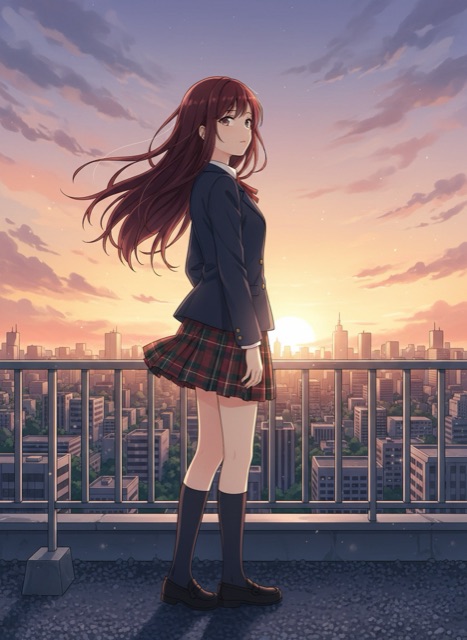 Photo
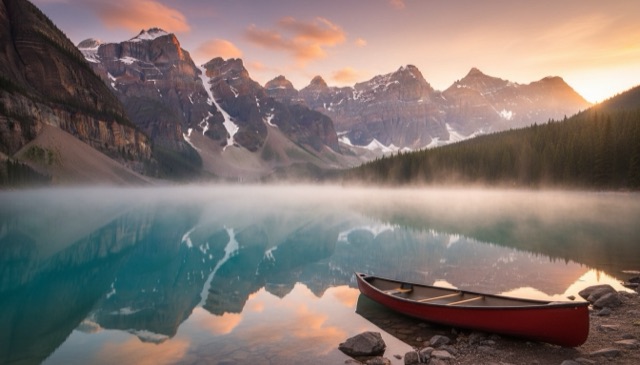 Photo
Free or HD?
| Free | 2 a day · 480p · 5 s · no watermark · no sound · Boreal by Creatify |
| HD | No daily limit · 720p (1080p on Max) · 5 s (10 s on Max) · with sound · Grok Imagine Video by xAI |
FAQ
Can I turn a photo into a video for free?
Yes. Pikmova makes 2 free photo-to-video clips a day, with no sign-up and no watermark.
How long are the videos?
5 seconds; 10 seconds on the Max plan.
Can I make a video from several photos?
Not yet: Pikmova animates one photo per video. Join several clips in any video editor.
What photo shape should I use?
The video keeps your photo’s shape, so use a 9:16 photo for TikTok or Reels and 16:9 for YouTube.
Example source photos on this page were themselves made with an AI image model, so no real person appears; the videos are unedited Pikmova results.